


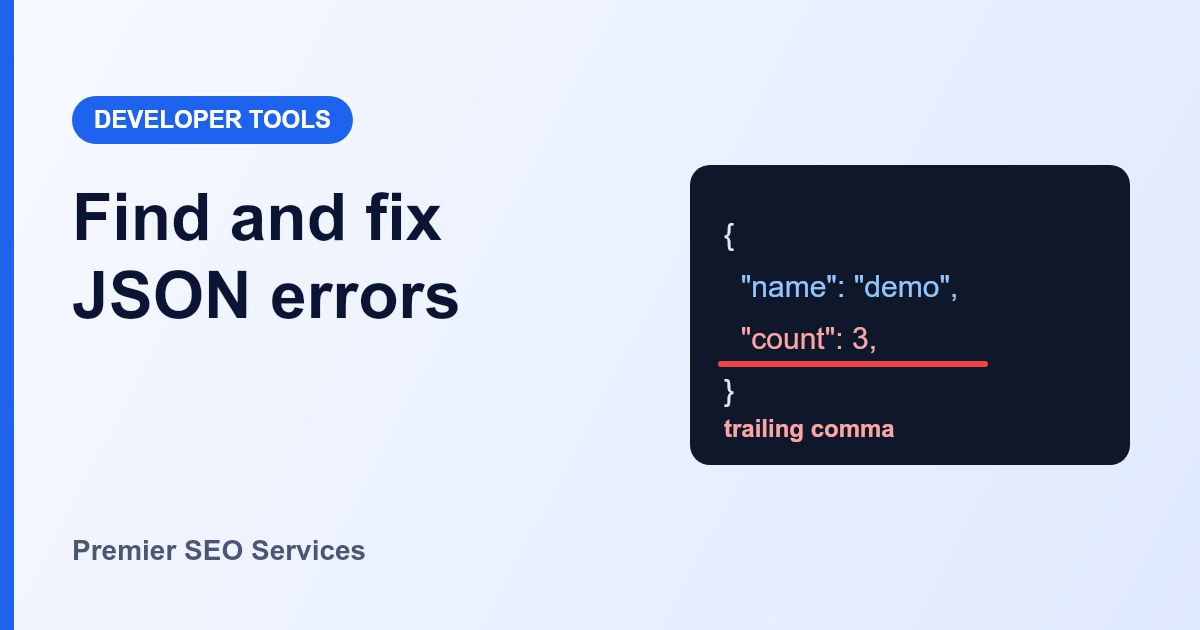
A JSON formatter and validator does two jobs. Validation tells you whether the text follows the JSON rules. Formatting adds indentation so you can read the structure. Most "broken JSON" problems come from a handful of habits borrowed from JavaScript.
The common errors
| Mistake | Invalid | Valid |
|---|---|---|
| Trailing comma | {"a": 1,} | {"a": 1} |
| Single quotes | {'a': 'x'} | {"a": "x"} |
| Unquoted key | {a: 1} | {"a": 1} |
| Comment | {"a": 1 // note} | {"a": 1} |
| Python or JavaScript values | True, None, undefined, NaN | true, null |
Strings must use double quotes. Inside a string, escape a double quote as \" and a backslash as \\. Line breaks must be written as \n.
Read the error position
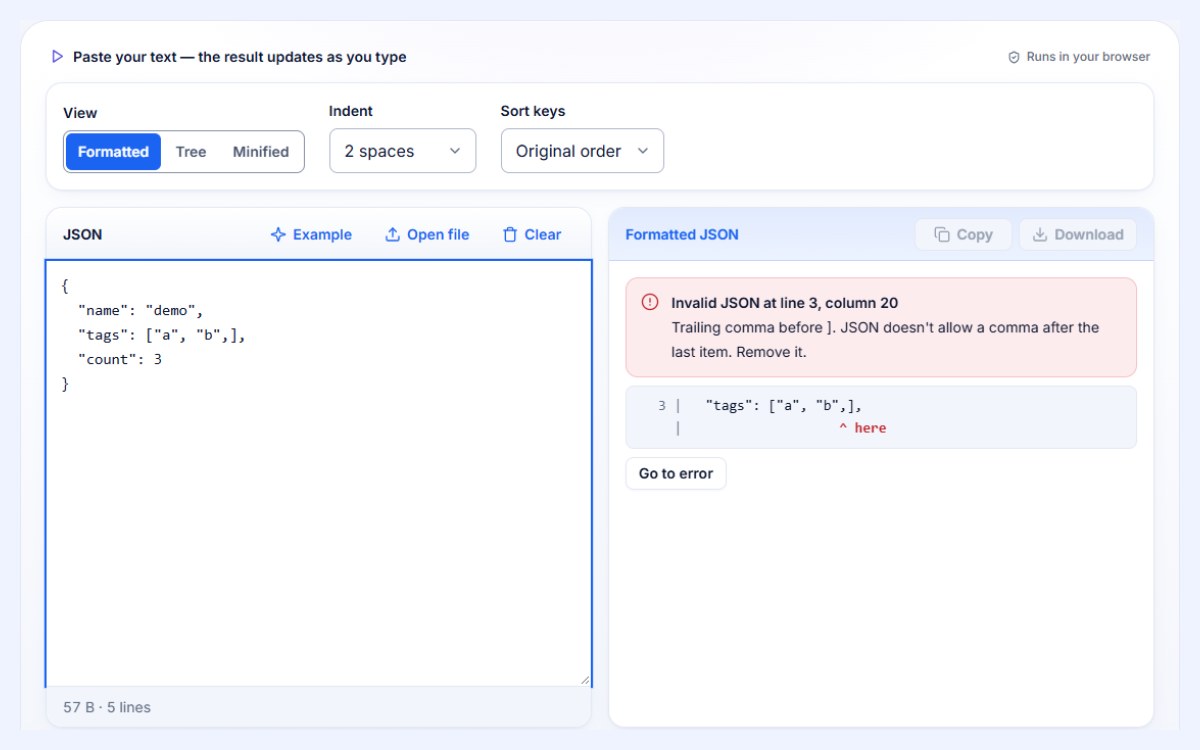
An error points to where the parser noticed the problem, which can be just after the real cause. If the message points at a closing bracket, look at the character before it, often an extra comma. If it points at the start of a new line, check whether the previous line is missing a comma.
Check it step by step
- Open the JSON Viewer. Your data stays in the browser.
- Paste the JSON or open a .json file.
- If it is invalid, note the line and column and press Go to error.
- Fix one problem at a time. A new error may appear further down.
- When it is valid, use the formatted or tree view to inspect the structure.
Check the text really is JSON
- A response starting with
<is probably an HTML error page. Check the request and status code. - One JSON object per line is the JSON Lines format, not a single JSON document.
- Text wrapped in extra quotes with many backslashes may be JSON encoded twice.
- An empty response is not valid JSON.
Valid is not the same as correct
Syntax validation cannot tell you that a required field is missing, a number should be a string or a date is wrong. Check the structure against your API's documentation or a JSON Schema. Also watch for duplicate keys: parsers may keep only one value without telling you. The JSON Viewer warns about them.
Before pasting data into any online tool, remove passwords, tokens and personal information, or confirm the tool processes it locally.
Frequently asked questions
Are comments allowed in JSON?
No. Standard JSON has no comments. Some configuration formats that look like JSON allow them, so check what your program expects.
Why does a large ID number change after formatting?
Many JavaScript-based tools round integers above 2^53. Store such identifiers as strings, or use a tool that keeps the digits as written.
- #json
- #debugging
- #developers