
Resize Image to 20KB
Smart resize & compress to under 20KB — ideal for avatars, thumbnails
How To Resize Image To 20kb Tutorial
Insert image · auto-compress · new high score
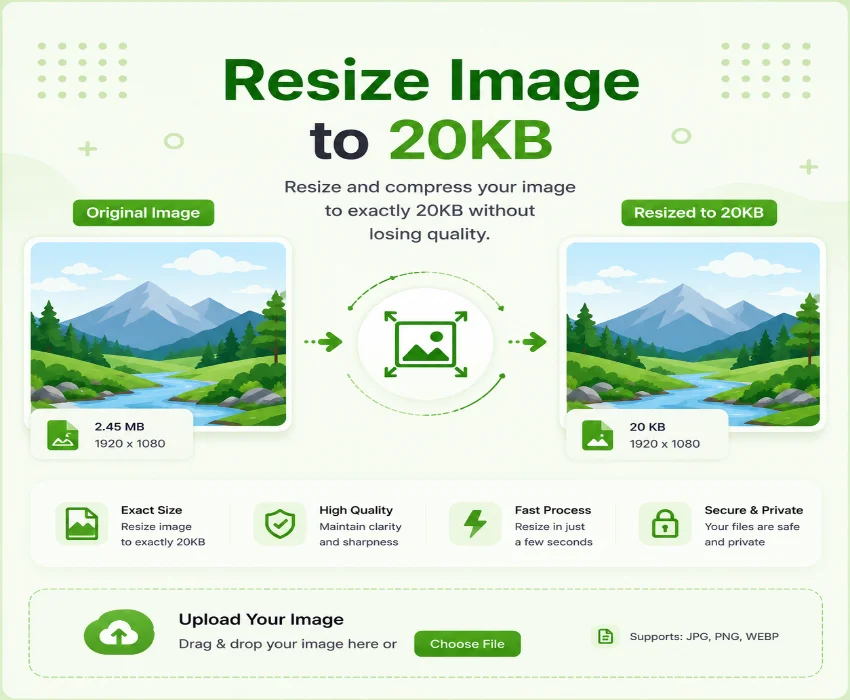
Resize Image to 20KB is the most demanding compression target among the common preset sizes. At this level, every kilobyte matters and the algorithm needs to work harder to balance size against visual quality. This tool automates the entire process upload any image, and it scales down step by step to resize image online to 20kb while testing compression levels until the 20KB limit is met. A progress bar shows each iteration, and a side-by-side comparison lets you verify quality before downloading the result.
How to resize image to 20kb Level Start
Resize image to 20kb online Stage Clear
How to resize image less than 20kb Scoreboard
After processing, the scoreboard shows four critical stats. Original size shows your starting point. Resized size confirms the final file size. Saved tells you how much was trimmed. New dimensions display the scaled resolution. If the Resize Image to 20KB target was not quite reachable, a warning banner shows the best size achieved. The side-by-side comparison gives you a clear visual check before you commit to the download.
Resize jpg image to 20kb Split Screen
Resize jpeg image to 20kb Behind the Scenes
| ROUND | ACTION |
|---|---|
| 1 | Scale dimensions from 100% down to 5% of original |
| 2 | Binary search JPEG quality (1%–100%) at each scale |
| 3 | Check file size against 20KB limit after each pass |
| 4 | Deliver result for preview and download when target met |
Frequently Asked Questions
Game guide · tips & tricks
Resize image to 20kb Power-Ups & Uses
How to resize an image to less than 20kb online Tips
Start with a clean, well-composed image for best results. Images with large uniform areas like product photos on white backgrounds compress extremely well. Busy, detailed photographs may show visible compression at 20KB if the preview looks too degraded, consider cropping closer to the subject before uploading. The progress bar and warning system provide real-time feedback, so you always know whether the target is being met.
Pro strategy: For avatars and profile photos, 20KB is usually sufficient. Upload a well-cropped headshot and the tool will find the optimal balance between dimensions and compression automatically.
Resize image between 20kb to 50kb Choosing the Right Target
If your use case allows some flexibility, aiming for the 20KB to 50KB range gives the algorithm more room to preserve quality. The Resize Image to 20KB target is ideal when you need the absolute smallest file think avatars, thumbnails, and inline previews. For images that need to look presentable at a reasonable size, the 50KB or 100KB presets may serve better. The side-by-side comparison makes this tradeoff visible so you can choose with confidence.
Resize my image to 20kb Professional Use
Web developers optimizing page speed, e-commerce teams preparing consistent product thumbnails, and content creators generating lightweight social media images all benefit from the automated 20KB workflow. The browser-based processing means no server uploads and complete privacy. The combination of live progress tracking, clear before-and-after comparison, and detailed stats makes it easy to verify results before downloading the final file.
How to resize images to 20kb in paint vs This Tool
Manual resizing in Paint or similar editors requires guesswork you save, check the file size, adjust, and repeat. To resize image online to 20kb, this tool automates that cycle with a precise binary search algorithm that finds the optimal compression level in seconds. The progress bar, stats panel, and preview comparison give you everything you need without manual trial and error.
The Resize Image to 20KB target is the most challenging preset to resize image online to 20kb, but this tool makes it straightforward. Automated scaling, intelligent compression testing, and transparent visual feedback eliminate the guesswork. In a few seconds, you get a web-ready image that meets the tightest size requirements.